Your own vibe coding workstation, with an AI team for every project.
Each project gets its own workspace and an AI team run by a Project Manager. It splits the work, runs it in parallel and keeps track, on the plan you already pay for.
Theme
Classic
Dark
Light
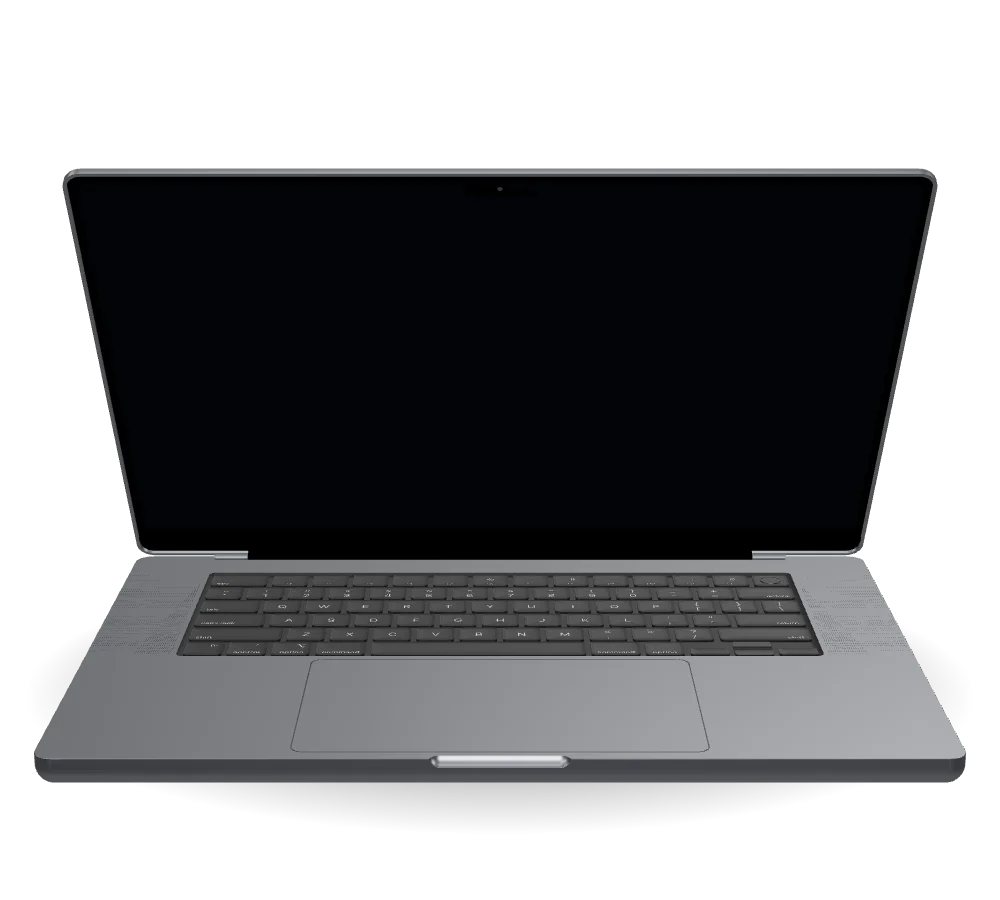
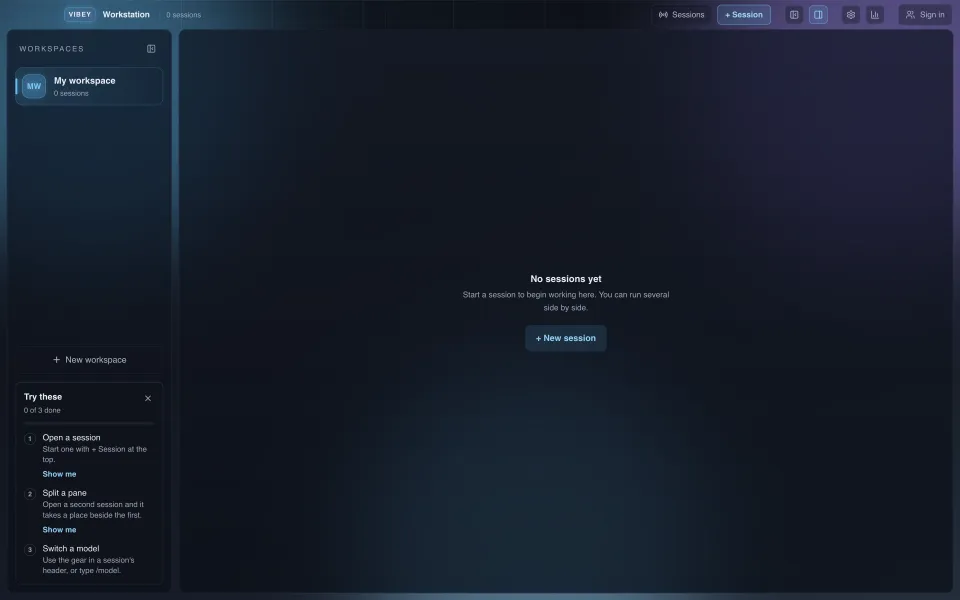
- 01VIBEY opens on your project.
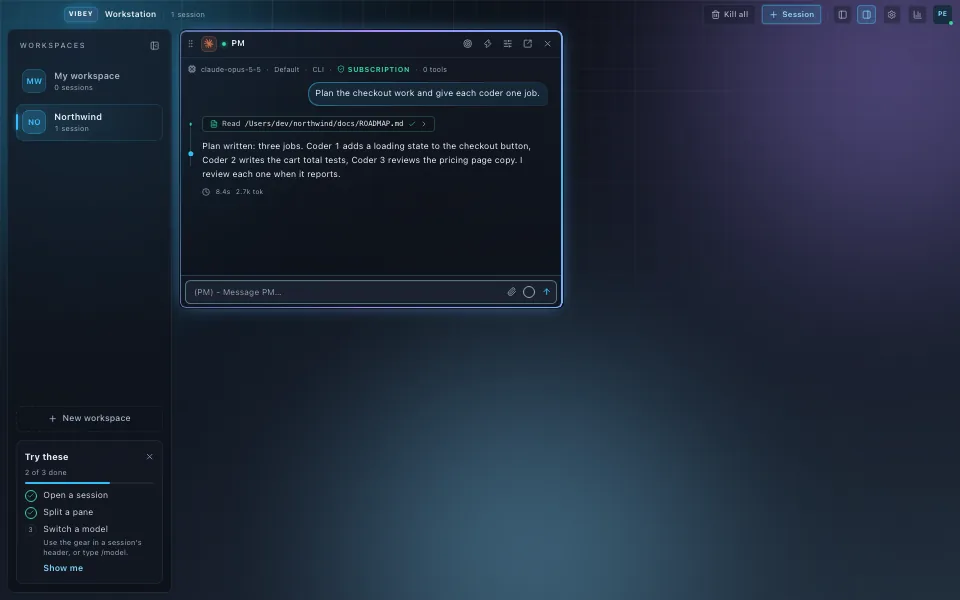
- 02The Project Manager plans the work.
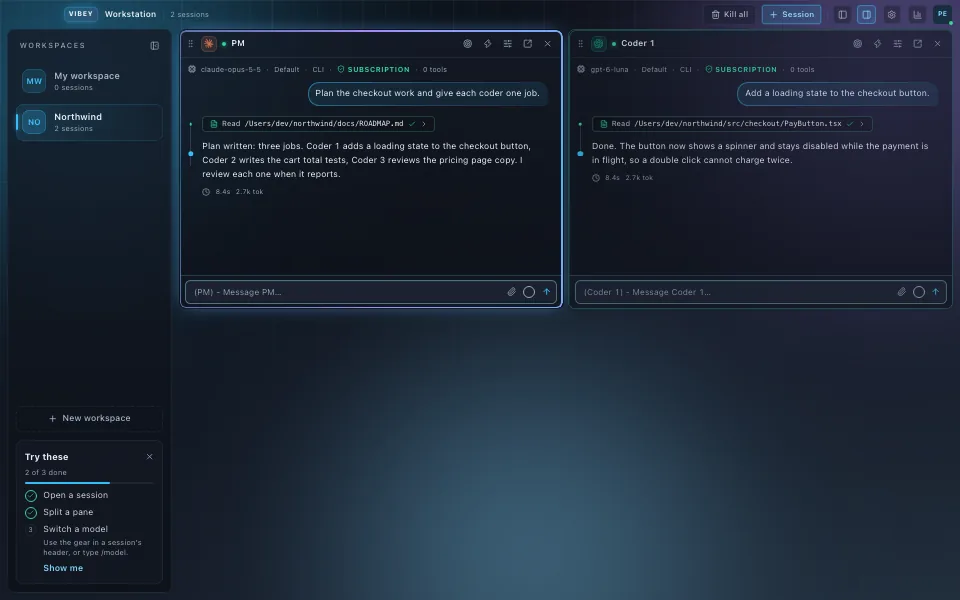
- 03Coders take one job each.
- 04A team on one project.
A team of sessions, not one chat.
One Project Manager (PM) session plans the work and hands bounded jobs to up to six seats, each on its own AI app. They build side by side in their own panes and report back when they finish.
Built by vibe coders, for vibe coders.
Start with one session on a weekend idea. When it grows into a real product, give it a team: a Project Manager (PM) and up to six seats, each on its own AI app, with each project in its own workspace.
- SingleOne session
- PairPM + Coder-1
- TrioPM + 2 coders
- SquadPM + 3 coders
Set the team once. Launch it in one click.
Choose the model, the effort and how careful each session should be, for the Project Manager (PM) and for each coder. Save the team and relaunch it in one click.
Auto-compaction. Your team never hits the wall.
When a coder's working memory fills up, VIBEY writes down exactly where it was, compacts the session and picks up from that note. No lost thread, no starting over, nobody watching the meter. Turn it on once in Settings.
Close the app. Keep the thread.
Your sessions are not tied to the window. Quit or update VIBEY and they keep running, and every pane reopens at its newest message.
Just talk to it.
Open a session on Claude, ChatGPT, Grok or Gemini and talk to it the way you already do. Every step shows clearly, and a ring by the message box shows how full the context is.
Remote control. Your panes, in your pocket.
Pair your phone once. Watch any pane at work, approve a card, stop a turn or send a message, while VIBEY stays open on your Mac.
Every account in one window.
See each model's sign-in and its usage, and switch your Claude login without leaving the app.
Claude
Signed inSigned outSigning insam@northwind.exampleWaiting up to 3 minutes for you to finish the sign-in. It should open in your browser, and this updates on its own.
Click an account to switch to it. Signing into another account records its windows here.
Switch to Account 1?
maya@northwind.example
Claude sessions on the app's account move to this account the next time each one is used, so nothing stops now. A session set to its own account stays on it.
Only this app switches. Terminal and VS Code keep their own account.
Switching to Account 2.
Switched to Account 2. The Claude sessions on the app's account move to it the next time each one is used.
- sam@northwind.example
- Plan
- Max plan
- Auth method
- claude.ai
Your Claude sessions run as this account. To move them to another account, pick it in the Accounts window: nothing is signed out, and an account signs in only the first time you add it.
This signs you out everywhere: the Claude app, the command line, and every running session in VIBEY Workstation. You will need to sign back in to keep working.
ChatGPT
Signed inSigned outSigning inmaya@northwind.exampleFinish the sign-in in your browser within 3 minutes. After that it stops, and you can start again.
This signs you out everywhere: the ChatGPT app, the command line, and every ChatGPT session on this machine. You will need to sign back in to keep using it.

Grok
Signed inSigned outSigning inmaya@northwind.exampleFinish the sign-in in your browser within 3 minutes. After that it stops, and you can start again.
This signs you out everywhere: the Grok app, the command line, and every Grok session on this machine. You will need to sign back in to keep using it.

Gemini
Signed inSigned outSigning inFinish the sign-in in your browser within 3 minutes. After that it stops, and you can start again.
This signs you out everywhere: the Gemini app, the command line, and every Gemini session on this machine. You will need to sign back in to keep using it.
Make it yours.
Repaint the whole app in any of ten themes, light or dark, and use it in English or Spanish.
Now English
What leaves your Mac, in plain words.
Each session runs the model company's own app under your own login. VIBEY sends no telemetry and no analytics.
Start in three steps.
Free during the beta. Create your account now; the Mac app is coming soon, and you will sign in to it with the same account.
- Create your accountFree during the beta, with an email and a password.
- Get VIBEY for MacFor Macs with Apple silicon on macOS 12 or later. Sign in to the app with the same account.Coming soon
- Open a sessionPick a model you already pay for and start. Each model runs in its own app, signed in with your plan; Pricing names the app for each.